Virus Alert! A Step-by-Step Guide to Removing Malware and Protecting Your Computer
Learn how to remove malware and viruses from your computer with our step-by-step guide. Protect your device and data with expert tips and tricks from Goinsta Repairs

In this article, we will explore the various types of scams you may encounter, and provide you with practical tips on how to protect yourself from online scams.
Malware (an acronym for malicious software) is any type of harmful software directed against PCs, mobiles, tablets or networks. Viruses are a type of malware that can reproduce and spread on its own. The difference between malware and a virus is that while all viruses are malware, not all types of malware are viruses.
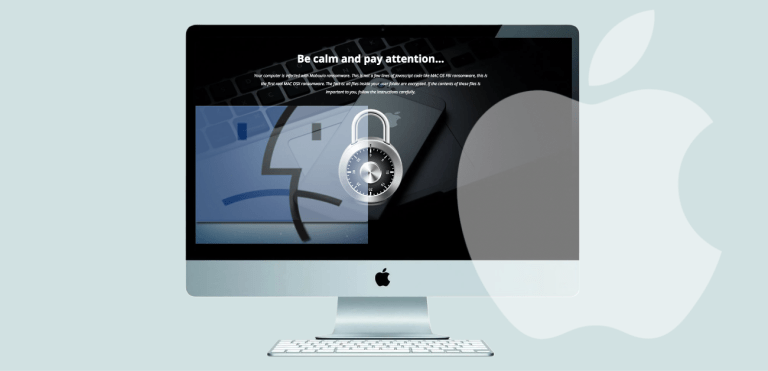
Yes, MACs also get infected with malware and viruses. It’s nothing new that Apple devices are infected with cyber threats.
Cyber criminals can use several techniques to break into your PC, networks and software. Their only goal is to take control and blackmail their victims.
If your computer is running, crashing unexpectedly, showing the ‘blue screen of death’ or booting up slower than the usual, you may want to read this article.
Facebook Twitter LinkedIn WhatsApp Email Sounds Scary “The Dark Side of Communications”. Well it…
Ransomware is a sub type of malware, the blending of “malicious software.” It hijacks our information and extorts us to return it.