Windows Blue Screen Of Death
As most of us, Windows users, it is most likely that, at least once, you have also seen the infamous “Blue Screen of Death”, and the first thing that comes to mind is Why? and How do I fix it?
Copyright © 2026 Go Instarepairs LLC | All Rights Reserved Dismiss

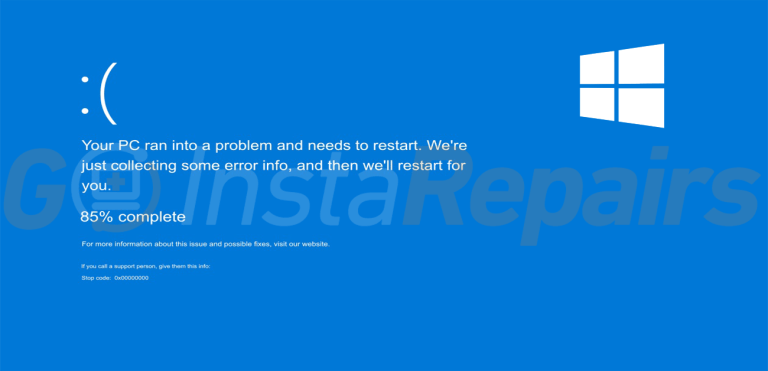
As most of us, Windows users, it is most likely that, at least once, you have also seen the infamous “Blue Screen of Death”, and the first thing that comes to mind is Why? and How do I fix it?

Remote computer assistance software allows technicians to access another device over the Internet to provide assistance.


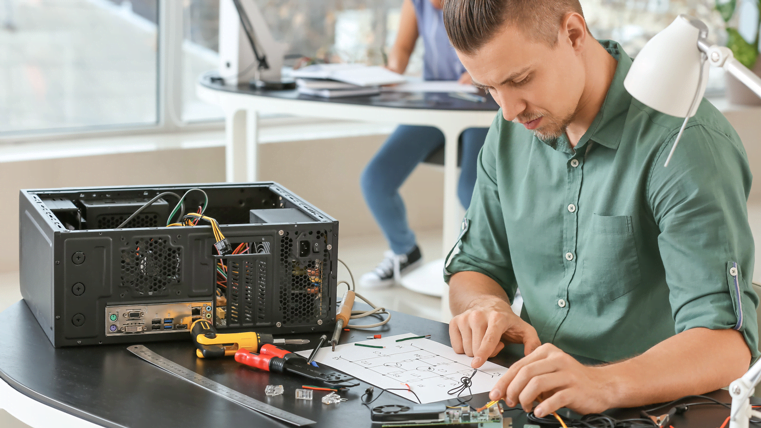
Ensuring regular maintenance, especially in dusty environments or with heavy usage, helps prevent hardware failures, data loss, and overheating, keeping your computer running efficiently.

What to do when your computer is not turning on? It’s normal to attempt to fix it with some basic methods for a couple of times, but other consequences could damage it even more


If your computer is running, crashing unexpectedly, showing the ‘blue screen of death’ or booting up slower than the usual, you may want to read this article.