
What is a remote connection?
Understanding Remote Connections
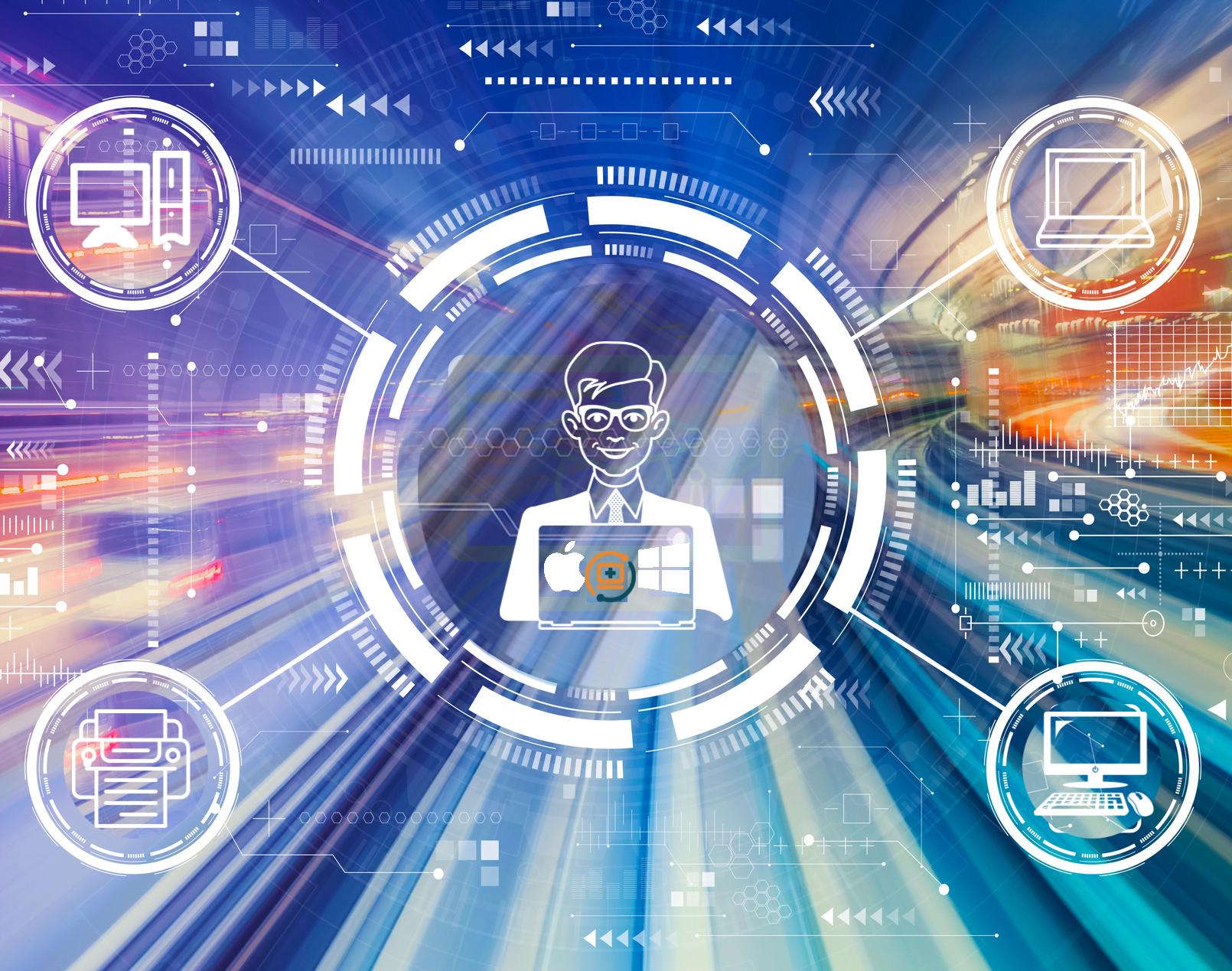
A remote connection, fundamentally, is a technological capability that allows one computer to access and control another computer over the internet. This interaction is facilitated by specialized software known as remote desktop software, which enables users to view and manage the desktop interface of a distant computer as if they were physically present. Key examples of such software include ZOHO ASSIST.
The technology behind remote connections involves several critical components. First, there needs to be a stable internet connection on both endpoints. The remote desktop software installed on both the local and remote computers establishes a secure link, allowing data to be transmitted back and forth. This data transmission can include keystrokes, mouse movements, and screen updates, effectively mirroring the remote computer’s state on the local machine.
In addition to remote desktop software, Virtual Private Networks (VPNs) play a crucial role in remote connections. A VPN creates a secure tunnel between the local and remote computers, encrypting data and masking the user’s IP address to prevent unauthorized access. This ensures that the remote connection remains private and protected from potential cyber threats.
The principles of remote connection technology rest heavily on security measures. Encryption is a vital aspect, converting the data into a coded format that can only be deciphered by authorized parties. This prevents malicious entities from intercepting and exploiting the data. User authentication is another key security feature, requiring users to verify their identity before gaining access to the remote computer. This can involve passwords, multi-factor authentication, or even biometric verification.
Overall, remote connections offer a powerful solution for accessing and repairing computers from afar. By leveraging robust remote desktop software, VPNs, and stringent security measures like encryption and user authentication, services like Goinsta Repairs can ensure that remote computer repair is both effective and secure.
Common Issues Addressed by Remote Support
Remote connection services play a pivotal role in addressing a myriad of computer-related problems efficiently. Among the common issues resolved via remote support are operating system updates, such as those for Windows or macOS. Technicians can seamlessly handle these updates by accessing your system remotely, ensuring that your computer operates with the latest features and security patches without the need for an in-person visit.
Installing new software programs is another area where remote support excels. Whether you need productivity tools, communication applications, or specialized software, remote technicians can guide you through the installation process or perform it entirely on your behalf. This not only saves time but also mitigates the risk of incorrect installations that could lead to further complications.
Slow computer performance is a frequent complaint among users. Remote support can diagnose and troubleshoot performance issues by identifying resource-heavy applications, removing unnecessary startup programs, and optimizing system settings. This targeted approach helps to enhance your computer’s efficiency without the delays associated with traditional repair methods.
Overheating is another critical issue that can be addressed through remote diagnostics. Technicians can analyze system temperatures, fan speeds, and other relevant metrics. While hardware adjustments may still require physical intervention, many software-related overheating problems can be mitigated remotely through appropriate system configurations.
Virus infections are a significant concern for computer users. Remote support services from providers like Goinsta Repairs can perform comprehensive scans, remove malicious software, and implement robust security measures to protect your system from future threats. This proactive approach ensures that your computer remains secure without the need for physical interaction.
Printer problems, which can be particularly frustrating, are also within the scope of remote support. Technicians can troubleshoot connectivity issues, driver installations, and other common printer-related problems, ensuring that your devices function correctly.
The advantages of addressing these issues remotely are manifold. Remote support saves time, reduces the need for physical travel, and provides immediate assistance, making it an invaluable resource for maintaining and repairing your computer efficiently.
How Remote Support Works
Remote support is a modern and efficient method of diagnosing and repairing computer issues without the need for an on-site technician. The process typically begins with the user initiating a remote support session. This often involves visiting the website of a remote support service, such as Goinsta Repairs, and downloading the necessary software. The software facilitates the connection between the user’s computer and the technician’s system.
Once the software is installed, the user must grant access permissions to the technician. This step is crucial for security and ensures that the technician can only access the computer with the user’s explicit consent. After access is granted, the technician can connect to the user’s computer remotely.
During the remote connection, the technician will observe the computer’s system and diagnose the problem. This can include running diagnostic tools, checking system logs, or manually inspecting the system settings. The process is often accompanied by real-time communication between the user and the technician. This communication can take place via chat or voice calls, allowing the technician to ask questions, provide updates, and receive feedback from the user.
Once the issue is identified, the technician will implement the necessary solutions. This might involve removing malware, configuring software settings, or updating system drivers. Throughout this process, the user can observe the technician’s actions on their screen, ensuring transparency and maintaining control over their computer.
Remote support services like Goinsta Repairs ensure that the entire process is seamless and efficient. The combination of real-time communication and remote access allows for quick resolution of computer problems, minimizing downtime and restoring functionality with minimal disruption. This method of computer repair is especially beneficial for users who need immediate assistance or are located in remote areas where on-site support is not feasible.
Benefits and Considerations of Using Remote Support
Email Spoofing vs. Phishing: How to Protect Yourself
Is that email real? 🛡️ Learn the simple difference between spoofing and phishing to…
Stop Spam Before It Hits Your Inbox: How to Use
Stop spam! 🦆 Learn to use DuckDuckGo Email Protection to block trackers and hide…

Is Your Printer Holding Your Documents Hostage? Why You’re Being
Stop paying rent for the printer you bought! Learn how HP, Epson, and Canon…

Computer Security Alerts for March 2026: How to Stay Safe
Worried about fake Microsoft alerts, scam texts, suspicious pop-ups, or a slow computer? Learn…

Top 30 Most Common Passwords 2025: Is Yours on This
Most common passwords 2025 revealed—123456 still #1. Goinsta Repairs shows you how to stay…
High-Severity Chrome Vulnerability Exposed AI Assistant to Hijacking – What
CVE-2026-0628: Gemini flaw let malicious extensions hijack AI assistant, access cameras, microphones & files….

Are Browser Extensions Safe? What You Need to Know Before
Are browser extensions safe? Learn the biggest security risks, warning signs, and how GoInsta…
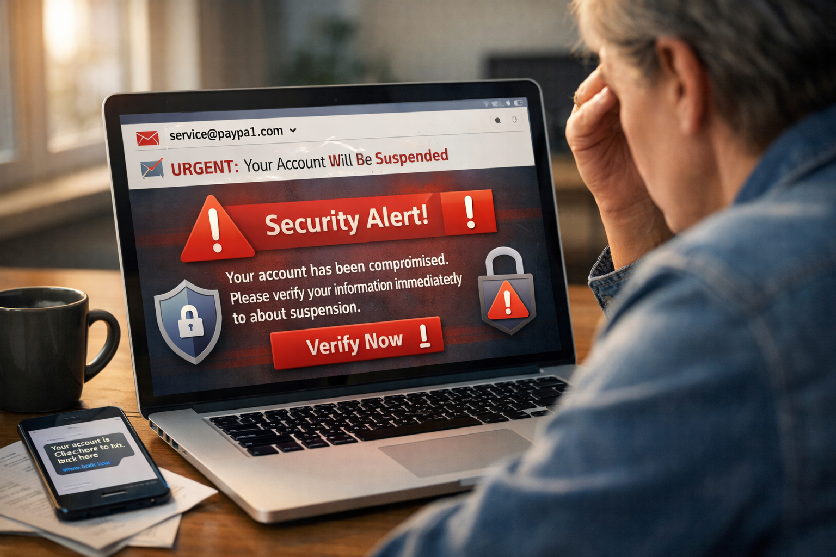
Don’t Take the Bait: Your Complete Guide to Phishing Protection
Protect your family from phishing scams with simple email safety checks, what to do…
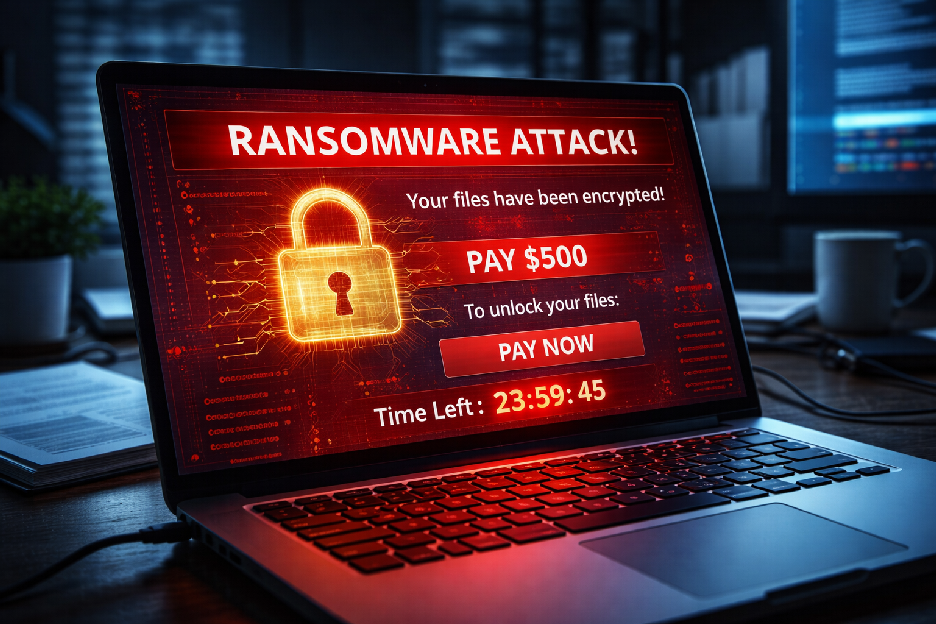
Ransomware part II
Ransomware is malicious software that locks your files and demands payment to restore access….
The advent of remote connection technology has revolutionized how computer repairs are conducted, offering a myriad of advantages that can’t be overlooked. One of the foremost benefits of using remote support for computer repairs is convenience. Gone are the days when you had to disconnect your computer and take it to a repair shop. With services like Goinsta Repairs, professional technicians can access your system remotely, diagnosing and fixing issues without you ever leaving your home or office.
Speed is another significant advantage. Traditional repair methods often involve wait times—scheduling an appointment, traveling to the repair shop, and waiting for the technician to diagnose and fix the problem. Remote support eliminates this lag. Once you’ve granted access, a technician can start troubleshooting immediately, often resolving issues within minutes or hours, depending on the complexity.
Accessibility is equally crucial. For users in remote or rural locations, finding a reputable computer repair service can be challenging. Remote support breaks down geographical barriers, allowing anyone with an internet connection to access high-quality technical assistance. This is particularly valuable during emergencies when immediate action is required to prevent data loss or further damage.
While the benefits are clear, concerns about data privacy and security are valid and should not be ignored. Reputable remote support services, such as Goinsta Repairs, implement stringent security measures to safeguard your information. Encryption, secure authentication processes, and limited access protocols are standard practices to ensure your data remains protected during a remote session.
When choosing a remote support provider, it’s essential to consider a few key factors. First, look for certifications and customer reviews to gauge reliability. Ensure the provider offers clear communication regarding their security measures and privacy policies. A transparent pricing model and a satisfaction guarantee can also be good indicators of a trustworthy service. By keeping these considerations in mind, you can ensure a positive and secure experience with remote computer repairs
One Comment