
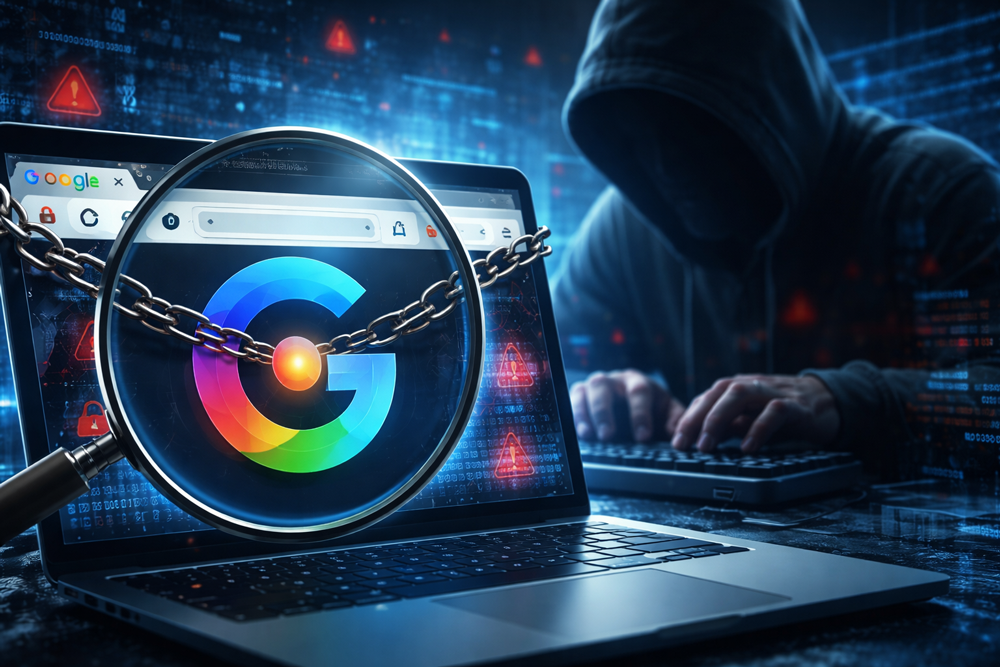
High-Severity Chrome Vulnerability Exposed AI Assistant to Hijacking – What Computer Users Need to Know
Is Your Browser Spying on You? The Chrome Gemini “Glic Jack” Flaw Explained
A critical security flaw in Google Chrome’s embedded Gemini AI assistant has put millions of users at risk of silent surveillance, local file theft, and sophisticated phishing attacks. The vulnerability, tracked as CVE-2026-0628, allowed malicious browser extensions to hijack Chrome’s “Live in Chrome” panel. This “Glic Jack” exploit granted hackers unauthorized access to cameras, microphones, and local files—all without triggering a single consent prompt.
⚠️ NOTICE: Unexpected camera activation or system slowdown?
Your browser may be compromised. Goinsta Repairs offers nationwide remote emergency troubleshooting for a flat rate of $139. We’ll secure your system today.
What is CVE-2026-0628? The “Glic Jack” Exploit
Security researchers at Palo Alto Networks Unit 42 discovered that the Gemini “Live in Chrome” panel (formerly known as Glic) runs as a highly privileged component. While Google patched this flaw in early 2026, the incident highlights a massive shift in the cyber-threat landscape.
By using a basic browser extension—often disguised as a simple ad blocker—attackers could inject malicious code into the Gemini side panel. Because the panel is a trusted part of the browser, that malicious code inherited the power to:
- Silent Surveillance: Activate your camera and microphone without notification.
- Data Theft: Read and exfiltrate local files from your hard drive.
- Total Visibility: Take screenshots of banking sessions and private emails.
- Phishing: Turn the Gemini panel into a fake login screen that looks 100% legitimate.
Agentic Browsers: The New Frontier of Cyber Risk
This isn’t just a Chrome problem. Agentic browsers like Microsoft Edge (Copilot), Atlas, and Comet embed AI that sees everything you do. These assistants maintain context across sessions and can autonomously execute tasks like form filling and summarization. While productive, they create a “Lethal Trifecta” for hackers:
- Full Data Access: Visibility into every tab and local file.
- Untrusted Content Exposure: The AI “reads” malicious websites and follows hidden commands (Prompt Injection).
- Autonomous Action: The ability to click buttons and send emails on your behalf.
How to Secure Your Browser Immediately
If you use Chrome, follow these steps right now to verify your protection:
1. Force an Update
Go to Settings → About Chrome. Ensure you are on Version 143 or newer. If not, update and relaunch immediately.
2. Audit Your Extensions
Visit chrome://extensions. If you haven’t used an extension in 30 days, delete it. Statistics show that 60% of Chrome extensions never receive a security update, making them prime targets for supply-chain hijacking.
3. Enable Enhanced Protection
Navigate to Privacy and Security → Security and select Enhanced Protection. This uses Google’s real-time threat intelligence to block malicious downloads and sites before they reach you.
Suspect a Compromise? Get Professional Malware Removal
If your computer is acting “strange,” time is your enemy. Malicious extensions can log keystrokes and steal session cookies in seconds. Goinsta Repairs provides professional, nationwide emergency computer repair with transparent, flat-rate pricing.
Our $139 Insta-Flat Rate Remote Service includes:
- ✅ Full Security Audit: Identification and removal of malicious extensions and hidden “ghost” apps.
- ✅ Deep Malware Scanning: Using enterprise tools from Malwarebytes, AVG, and ESET.
- ✅ Privacy Hardening: Configuring your browser and OS to block future AI-agent exploits.
- ✅ Verification: Ensuring CVE-2026-0628 is fully patched on your system.
Don’t wait for a data breach. Talk to a certified technician today.
📞 Call: 720-604-0834 | 📧 Email: care@goinstarepairs.com | 🌐 Visit: goinstarepairs.com
Related Security Guides: