Showing 17–24 of 24 resultsSorted by latest
-


$69.99 – $99.99Price range: $69.99 through $99.99
There are several methods and tools that can be used to recover deleted data from hard drives or SSDs. One common approach is to use data recovery software.
Restore your data with Aomei MyRecover Professional software
-

$49.00
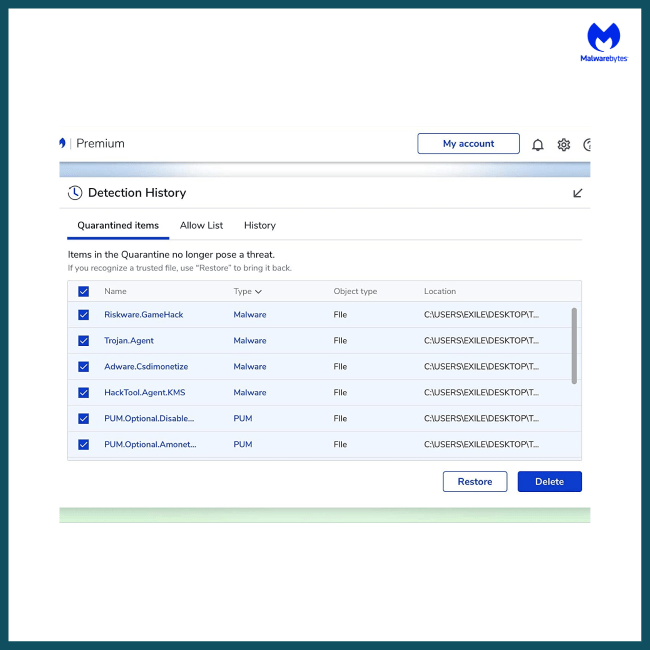
Crush the malware other antivirus programs miss. Get Malwarebytes Premium for real-time ransomware protection. Expert setup from Goinsta Repairs! Call 720-604-0834.
-
![AOMEI Backupper Professional 1 PC LifeTime Edition [Download]](https://goinstarepairs.com/wp-content/uploads/2022/12/d86d1579-2994-4de3-a6aa-4df9f0bae2cc-650x650.png)
$79.99
Designed for Windows operating system users, both PCs (Windows XP/Vista/7/8/8.1/10/11 ) to keep OS and files on computers safe and retrieved. AOMEI Backupper is embedded with backup, restore, and cloning features to make itself complete and professional windows backup software.
-
$149.00
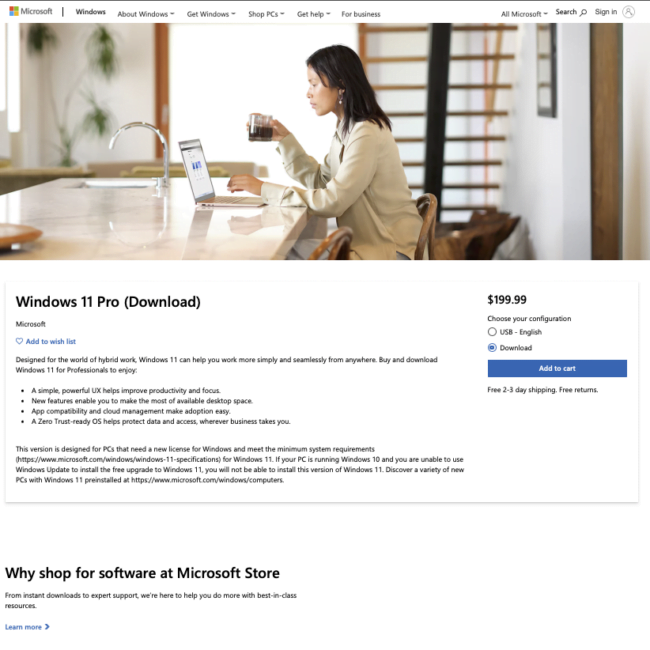
Windows 11 Pro offers a suite of advanced features tailored for professionals. Boost your productivity with enhanced Virtual Desktops, streamline your multitasking using improved Snap Layouts, and stay efficiently connected through seamless integration with Microsoft Teams.
-
Sale!


$189.00 Original price was: $189.00.$149.00Current price is: $149.00.
-
Sale!
$129.00 Original price was: $129.00.$89.00Current price is: $89.00.
Windows 11 Home comes with all the features and creature comforts you can expect, including Windows Hello, Secure Boot, Windows Security, parental controls, device encryption, and more.
-
$59.99 – $99.99Price range: $59.99 through $99.99
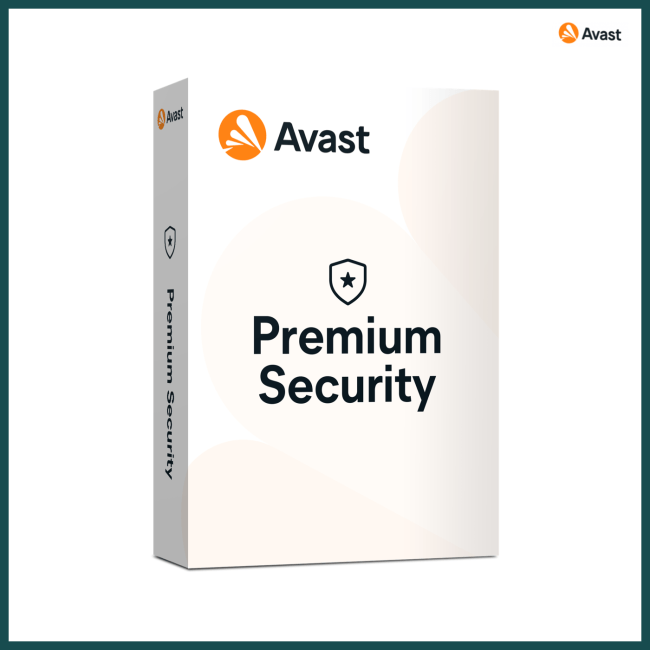
Avast Premium Security
Get complete protection with powerful antivirus, plus:
Shop and bank safely — anytime, anywhere.
Easily spot fake websites and ransomware.
Stop hackers from remotely taking over your device.
-
![AOMEI OneKey Recovery Professional |1 PC | Perpetual License [Download]+ Free Remote Installation](https://goinstarepairs.com/wp-content/uploads/2023/01/img_0083-650x650.png)
$69.99
AOMEI OneKey Recovery Features:
System Backup – Select an existing partition to allocate a required amount of free space for creating a recovery partition, where a system backup image is saved.
System Recovery – Restore your computer to its factory settings or a previously backed upstate. It is the best way to return things to normal when a disaster happens. Support restoring your system to the original location or other location.
Easy to Use – For most computers, you can press a special keyboard button – “F11” (default) or “A” key when your computer starts up to enter into Windows PE environment, and then automatically launch AOMEI OneKey Recovery. For the computers with EFI/UEFI boot, you can enter into the program to restore your system using Windows Boot Menu. Of course, AOMEI OneKey allows you to configure how to display the boot menu.
