
🔒 Chrome Users: Update Now to Patch 6 New Security Vulnerabilities, Including a Zero-Day
A critical update is available for Google Chrome, and it’s more than just a performance boost—it’s your shield against active cyber threats. At Goinsta Repairs, we prioritize your digital safety, and we’re here to break down why this update matters and how you can protect yourself today.
🚨 What’s the Risk?
Google has rolled out a new Chrome update (version 138.0.7204.157/.158 for Windows and Mac; .157 for Linux) that fixes six security vulnerabilities, one of which is a zero-day—a flaw that’s already being exploited in the wild.
This vulnerability, tracked as CVE-2025-6558, is especially dangerous because it:
- Requires no user interaction (simply visiting a malicious website is enough).
- Escapes Chrome’s security sandbox, potentially allowing attackers to control your system.
🖼️ Why This One’s Different
The flaw lies within ANGLE (Almost Native Graphics Layer Engine), the graphics engine powering Chrome’s 3D content. When compromised, ANGLE allows cybercriminals to manipulate how Chrome renders web pages—turning simple HTML code into a gateway for full system compromise.
This isn’t just a browser issue—it’s a device issue.
“Attackers can lure users to infected websites using phishing emails, fake pop-ups, or infected ads,” says Google’s Threat Analysis Group (TAG), which discovered the vulnerability.
✅ How to Update Chrome Manually
If Chrome hasn’t auto-updated (especially if you’ve kept it open for days), here’s how to do it manually:
- Open Chrome.
- Click the three-dot menu in the top-right corner.
- Go to Settings > About Chrome.
- Chrome will check for updates and begin downloading the latest version.
- Click “Relaunch” to apply the patch.
Still unsure? Visit Google’s official Chrome Help page for step-by-step guidance.
🛡️ How to Stay Protected Going Forward
Updating Chrome is just the first step. At Goinsta Repairs, we strongly recommend layering your browser defenses with Malwarebytes Browser Guard. Here’s why:
- 🚫 Blocks malicious websites and phishing links
- 💳 Shields you from credit card skimmers
- ⚠️ Warns you of known data breaches and scams
- 📉 Eliminates unwanted ads for faster browsing
Get Malwarebytes Browser Guard here.
Email Spoofing vs. Phishing: How to Protect Yourself
Is that email real? 🛡️ Learn the simple difference between spoofing and phishing to stay…

Stop Spam Before It Hits Your Inbox: How to Use
Stop spam! 🦆 Learn to use DuckDuckGo Email Protection to block trackers and hide your…

Is Your Printer Holding Your Documents Hostage? Why You’re Being
Stop paying rent for the printer you bought! Learn how HP, Epson, and Canon use…

Computer Security Alerts for March 2026: How to Stay Safe
Worried about fake Microsoft alerts, scam texts, suspicious pop-ups, or a slow computer? Learn what…
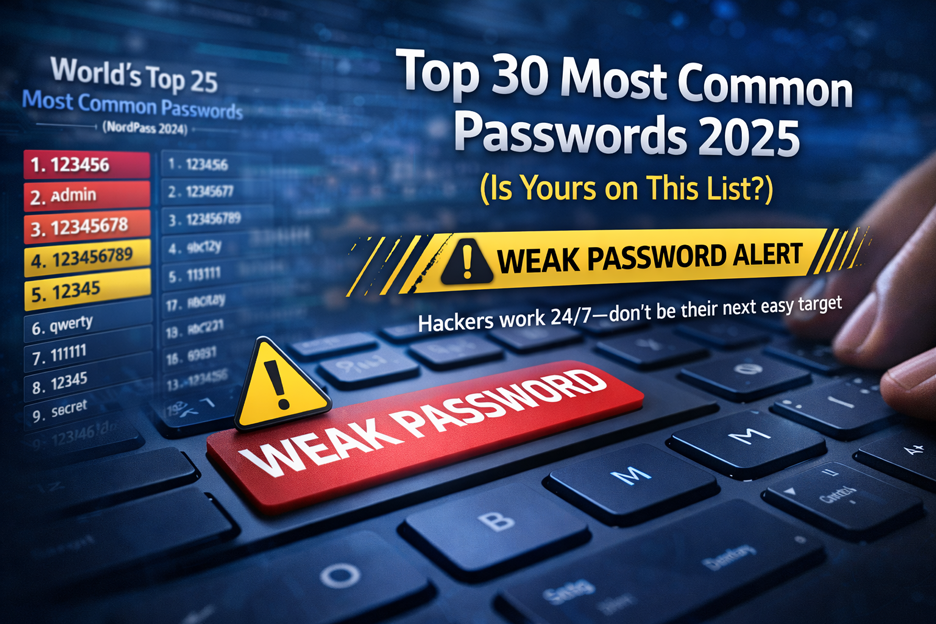
Top 30 Most Common Passwords 2025: Is Yours on This
Most common passwords 2025 revealed—123456 still #1. Goinsta Repairs shows you how to stay safe…
High-Severity Chrome Vulnerability Exposed AI Assistant to Hijacking – What
CVE-2026-0628: Gemini flaw let malicious extensions hijack AI assistant, access cameras, microphones & files. Get…
👨💻 Goinsta Repairs Can Help
Worried your system may already be compromised? Or unsure if Chrome is secure? Let our experts handle it.
At Goinsta Repairs, we:
- Audit your device for hidden malware
- Remove infected browser extensions
- Secure your browser and operating system
- Offer premium antivirus

🛠️ Contact Our Team to learn how we can keep your devices clean, fast, and secure.
🔗 References
- Chrome fixes 6 security vulnerabilities – Malwarebytes
- CVE-2025-6558 Details – NIST
- Google Chrome Help – Google Support
Don’t wait for your device to become a victim. Update Chrome now—and let Goinsta Repairs keep your tech life safe.