
Ransomware part II
Ransomware Protection 2026: How to Stop Hackers from Locking Your Files
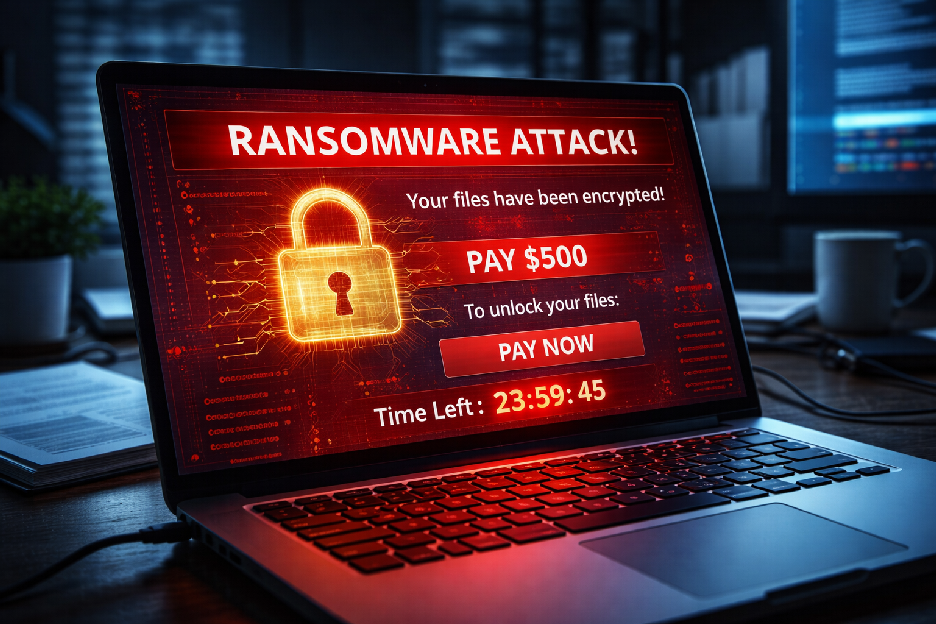
Imagine turning on your computer and finding all your photos, documents, and business files locked behind a screen demanding thousands of dollars in Bitcoin. This is Ransomware—a sophisticated cyberattack designed to hold your digital life hostage. In 2026, these attacks are faster and harder to trace than ever before.
🚨 URGENT: Is your screen locked or files encrypted?
Do not pay the ransom! Paying often leads to more attacks. Goinsta Repairs provides expert Emergency Ransomware Assistance for a $139 Flat Rate. We help identify the strain and secure your remaining data.
How Ransomware Sneaks Into Your Computer
Modern cybercriminals don’t “hack” in; they “log” in or trick you into opening the door. Understanding their methods is the first step in ransomware prevention. Here are the two biggest threats right now:
1. Malspam (Malicious Spam)
This is the #1 delivery method. You receive an email that looks like a legitimate invoice from a vendor, a shipping notification, or even a message from a colleague. These emails use social engineering to trick you into clicking a link or opening a PDF. Once you click, the ransomware installs silently in the background.
2. Malvertising (Malicious Advertising)
You don’t even have to visit “shady” websites to get infected. Malvertising places malicious ads on reputable news and shopping sites. In some cases, a “drive-by download” occurs—meaning your computer is infected just by loading the page, without you clicking a single thing.
The 5-Step Ransomware Prevention Checklist
Protecting your personal data doesn’t have to be complicated. Follow these rules to harden your system:
- ✅ Automate System Updates: Hackers exploit “holes” (vulnerabilities) in old software. Keep Windows/macOS updated.
- ✅ The “Rule of Three” Backup: Keep three copies of your data, on two different media types, with one copy off-site (Cloud).
- ✅ Verify the Sender: If an email seems “urgent” or “threatening,” call the sender directly to verify before opening attachments.
- ✅ Use Managed Antivirus: Free antivirus often misses modern ransomware strains. Use a professional-grade solution.
- ✅ Professional Security Audit: Have a technician review your firewall and browser settings to close security gaps.
Why Trust Goinsta Repairs for Ransomware Cleanup?
If you suspect an infection—or if you want to make sure your backups are actually working—Goinsta Repairs is here to help. We provide professional remote computer repair nationwide.
- 🔹 Expert Diagnosis: We determine if the threat is active and stop further data encryption.
- 🔹 Transparent Pricing: Our $139 Insta-Flat Rate means no hidden fees or hourly surprises.
- 🔹 Nationwide Support: We can access your system securely from anywhere in the U.S.
- 🔹 Security Hardening: We don’t just clean the virus; we protect you from the next one.
Protect Your Digital Life Today.
📞 Call Now: 720-604-0834
📧 Email: care@goinstarepairs.com
Goinsta Repairs: Your trusted partner for cybersecurity protection and remote computer repair. Available 9 AM – 6 PM MST, Monday through Friday.