
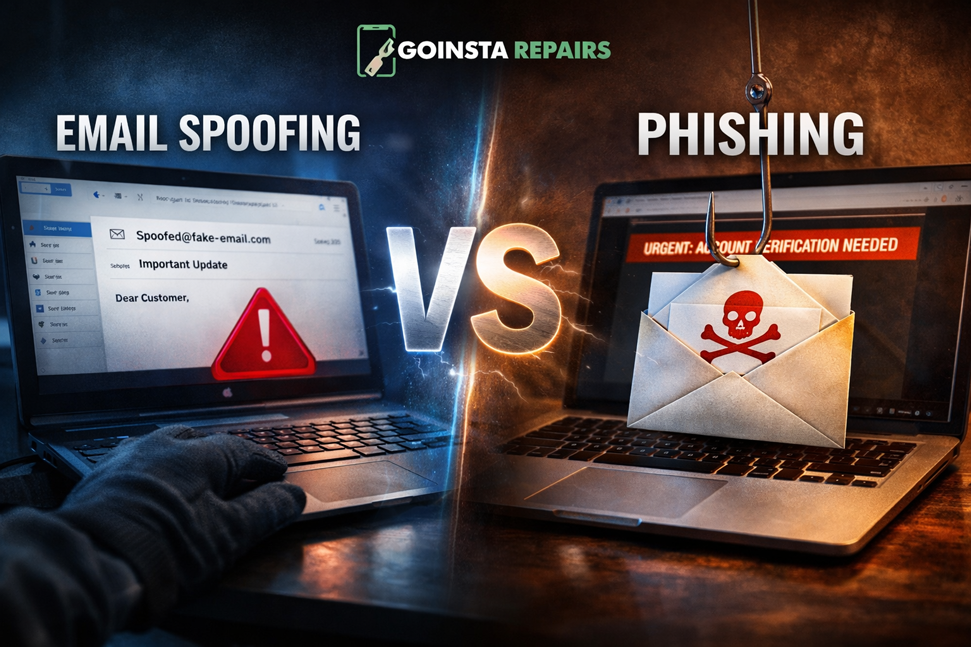
Email Spoofing vs. Phishing: How to Protect Yourself
Is That Email Real? Spoofing vs. Phishing Explained Simply
Have you ever received an email that looked like it was from your bank, but something just felt… off? You aren’t alone. Scammers are getting better at “disguising” their emails to look like they come from brands we trust, like Amazon, PayPal, or even the IRS.
In the tech world, we call these tricks Email Spoofing and Email Phishing. While they sound similar, knowing the difference can help you keep your money and identity safe.
The Disguise: What is Email Spoofing? 🎭
Think of Email Spoofing as a fake “Caller ID.” Imagine checking your mail and finding an envelope with your power company’s logo and return address. Because it looks official, you trust it.
Spoofing is the “mask” the scammer wears. They change the “From” field in an email so it says “Official Support” instead of “scammer@randomaddress.com.” They want to trick you into lowering your guard before you even read the message.
The Trap: What is Email Phishing? 🎣
If Spoofing is the mask, Phishing is the actual scam. Once you open that “official” email, the phishing part begins. It usually involves a scary message like, “Your account has been locked! Click here to verify your identity.”
The goal is to “hook” you. When you click that link, you’re taken to a fake website designed to steal your password, credit card number, or Social Security info. For more information on identifying these threats, you can check out the FTC’s guide on phishing scams.
- Download the Browser: Visit duckduckgo.com and download the free browser.
- Activate Email Protection: Inside the settings, click on “Email Protection.”
- Claim Your Handle: Follow the prompts to get your @duck.com address.
Stay Protected with the Right Tools
The best way to stay safe is to use trusted software and keep your data backed up. You can find more security tools in our official shop. If a scammer does manage to get through, having a “safety net” is a lifesaver.
How to Spot a Fake Email (Checklist) 🔍
- Look at the actual email address: Hover your mouse over the sender’s name. Does the address actually match the company? (e.g., support@amazon.com vs support@security-amazon-check.net).
- Check for “Urgent” threats: Scammers want you to panic so you don’t think clearly. Genuine companies rarely threaten to delete your account in “one hour.”
- Watch for generic greetings: Instead of “Hi John,” a spoofed email might say “Dear Valued Customer.”
Remote computer repair nationwide
Call or text: 720-604-0834
Recommended Products From the Goinsta Repairs Shop
If you want to improve protection or recover from a problem, these shop items are relevant to this topic:
You can also browse the full Goinsta Repairs shop for antivirus software, utilities, Windows licenses, Office products, and accessories.