
The Silent Killer: Why Your SSD Will Fail Without Warning in 2026
A Shop Story That Happens Every Week
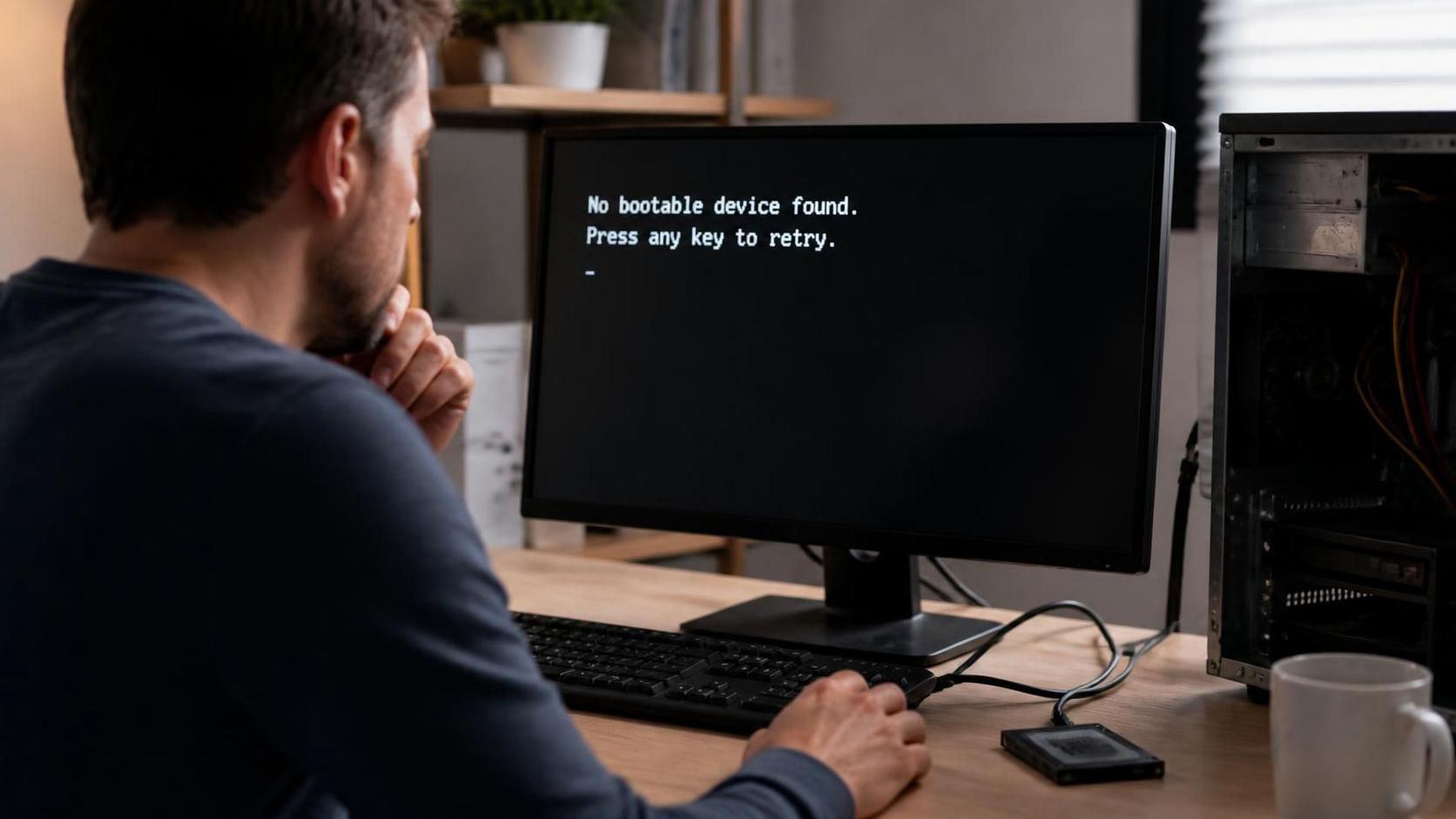
Three customers walked into our shop this week with the same devastating problem: their laptop was dead. Not slow, not glitchy — completely dead. Black screen. No boot. No response.
A teacher lost a semester of lesson plans. A photographer lost an entire wedding shoot. A small business owner lost their QuickBooks file and three years of financial records.
What did they all have in common?
Solid-state drives (SSDs) that failed without a single warning sign
The End of the “Click of Death
If you’re old enough to remember hard disk drives (HDDs), you might recall the telltale signs of impending failure: the clicking, the whirring, the grinding sounds that screamed “back me up NOW.” Those auditory warnings gave you a chance — however slim — to save your data.
SSDs changed everything. No moving parts. No spinning platters. No read/write heads. And most importantly: no warning sounds.
An SSD can go from fully functional to completely unresponsive in a single day. One morning it boots fine. That afternoon? Nothing. The storage controller fails. The NAND flash wears out. A power surge damages the firmware. And because there are no mechanical components to degrade audibly, you get zero advance notice.
According to Backblaze’s 2026 Drive Stats report, SSD failure rates in consumer devices have risen as drives age past the 3-year mark — and the failures are increasingly catastrophic rather than gradual.
Why SSDs Fail (And Why You Don’t See It Coming)
- Wear-Leveling Exhaustion**
SSDs have a finite number of write cycles. Modern drives use wear-leveling to distribute writes evenly across the NAND cells, but every SSD has a limit. Consumer-grade drives are typically rated for 100–600 terabytes written (TBW). For heavy users — video editors, developers, anyone working with large files — that limit arrives faster than you’d think.
As Tom’s Hardware explains in their SSD endurance guide, even “high-endurance” consumer SSDs can wear out under heavy workloads within 3–5 years.
- Controller Failure
The SSD controller is the brain of the drive. It manages data placement, error correction, and communication with your computer. Controller failures are increasingly common and almost always catastrophic. When the controller dies, the drive becomes unreadable — and data recovery becomes significantly more complex and expensive. - Firmware Corruption
SSD firmware is complex software running on the drive itself. Bugs, power outages during writes, or manufacturing defects can corrupt the firmware, rendering the drive unrecognizable to your system. Samsung and other major manufacturers have issued firmware updates specifically to address corruption vulnerabilities. - Power Loss and Electrical Issues
Unlike HDDs, which can sometimes survive unexpected power loss with minor data corruption, SSDs can suffer catastrophic data loss if power is interrupted during a write operation. The complex mapping tables that track where data is stored can become corrupted, making the entire drive unreadable. Intel’s SSD reliability documentation emphasizes the importance of power-loss protection in enterprise drives — a feature rarely found in consumer models.
The Subtle Signs (If You Know What to Look For)
While SSDs don’t give audible warnings, they do provide some signals — if you’re paying attention:
- Random freezes or stutters, especially during file operations
- Significantly slower boot times that develop gradually
- Files that won’t open or applications that crash unexpectedly
- “Disk not found” errors that resolve after a reboot (this is a big red flag)
- SMART warnings from your operating system (though many users ignore these)
The problem? These symptoms are easy to dismiss as “my computer is just getting old” or “I need more RAM.” By the time most users realize something is seriously wrong, the drive is already in critical condition.
AI-Powered Diagnostics: The New Frontier in Remote Computer Repair
Here’s what’s changing the game: AI-powered diagnostic tools are now helping repair shops like ours predict SSD failures before they happen. These tools analyze:
- Wear-leveling patterns** across the NAND cells
- Error correction rates** (increasing errors indicate degrading flash)
- Performance anomalies** that human technicians might miss
- Thermal history** and power event logs
By learning from thousands of past failure cases, these systems can flag drives that are statistically likely to fail within the next 30–90 days — giving you a window to back up and replace the drive before disaster strikes.
For our remote computer repair clients, we can run these diagnostics over a secure connection — no need to bring your machine to the shop. We’ll tell you if your drive is in the green, yellow, or red zone, and exactly what steps to take next.
What You Can Do Right Now to Protect Your Data
Back Up Your SSD This Week (Not “Soon”)
If your SSD is 3+ years old and you don’t have a current backup, make one tonight. External drives cost $50–$100. Professional data recovery starts at $500 and can easily exceed $3,000 for complex SSD recoveries. The math is simple.
For guidance on choosing the right backup drive, PCMag’s best external SSDs guide is a solid starting point.
Watch for the Warning Signs
Don’t dismiss random freezes, slow boots, or file access issues as “normal aging.” These are often the only warnings an SSD will give you. If you notice these symptoms, contact our remote computer repair team for a diagnostic before it’s too late.
Get Regular Health Checks
During routine service, ask your repair shop to read the SSD’s SMART data and wear indicators. We can tell you if your drive is in the green, yellow, or red zone — and whether you should be backing up more aggressively.
Don’t Wait for the “Click of Death”
SSDs don’t click. They don’t whir. They don’t grind. They just stop. If you’re waiting for an obvious sign that something is wrong, you’ll be waiting until it’s too late.
Consider Proactive Replacement
For business-critical machines, consider replacing the SSD every 3–4 years as preventive maintenance. The cost of a new drive ($80–$200) is trivial compared to the cost of downtime and data loss. Crucial’s SSD selector tool can help you find the right replacement for your system.
Remote Computer Repair: Diagnose Before Disaster
One of the biggest advantages of modern remote computer repair is the ability to catch problems before they become emergencies. Our remote diagnostic services include:
- SMART data analysis — reading your drive’s internal health indicators
- Performance benchmarking — identifying slowdowns that signal impending failure
- Backup verification — ensuring your current backup is actually restorable
- Replacement planning — helping you choose and install a new drive before the old one dies
The customers who walk out of our shop smiling aren’t the ones with newer laptops. They’re the ones who had current backups when their drive died. The ones who walk out devastated? They always say the same thing: “It was working fine yesterday.”
Don’t let that be you.
The Bottom Line
Every SSD will fail eventually. The NAND flash has a finite lifespan. The controller can die. The firmware can corrupt. It’s not a question of if — it’s a question of when and whether you’re ready.
The $50 external drive vs. $3,000 data recovery decision isn’t about luck. It’s about preparation. And preparation starts with knowing what you don’t know.
Free SSD Health Check
We’re happy to run a quick diagnostic on your drive — no charge for the check, and it’ll give you peace of mind (or a heads-up that it’s time to back up). We’ve seen too many “it was fine yesterday” stories this month, and we’d rather help you avoid becoming the next one.
Whether you’re local or across the country, our remote computer repair team can assess your drive health from anywhere.