
• Office Pro Plus 2024Microsoft Word

    Office Professional Plus 2024 License Key Online Activation

    $199.00

    Designed for students, professionals, and entrepreneurs, this modern software suite redefines productivity. Work seamlessly across devices with easy access to your files anytime, anywhere. Featuring Word, Excel, PowerPoint, Outlook, Access, and OneNote, it delivers powerful tools to turn ideas into results.

  • Sale! Office Home & Business for macOS 2021Microsoft Word

    Office Home & Business 2021 for Mac Lifetime Key

    Original price was: $189.00.Current price is: $149.00.

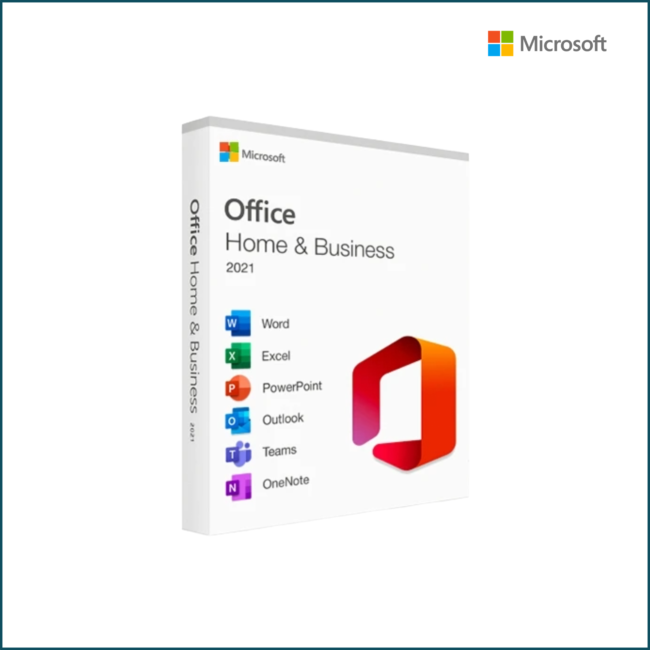
    Office Home & Business Pro 2021 for Mac

    • One-time purchase for 1 PC
    • Classic 2021 versions of Word, Excel, PowerPoint, OneNote, Microsoft 365 Copilot and Outlook
  • Sale! MalwarebytesMalwarebytes Premium

    MalwareBytes Premium

    Original price was: $69.00.Current price is: $44.99.

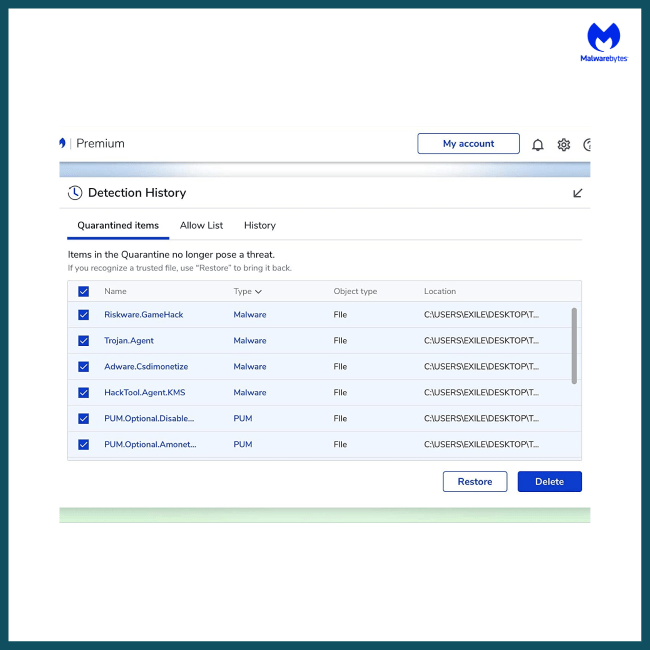
    Comprehensive defense against established and emerging threats. Protect you and your devices from malware, ransomware, viruses, adware, spyware, malicious websites, and more.

  • Sale! Office Pro Plus 2021Microsoft Word

    Office Professional Plus 2021 Lifetime License

    Original price was: $189.00.Current price is: $149.00.
    • One-time purchase for 1 PC
    • Classic 2021 versions of Word, Excel, PowerPoint, and Outlook, plus Publisher and Access
    • Microsoft support included for the first 60 days at no extra cost
    • Compatible with Windows 11 and Windows 10
    • Works with Microsoft Teams
  • AOMEI OneKey Recovery Professional |1 PC | Perpetual License [Download]+ Free Remote Installation

    AOMEI OneKey Recovery Professional Lifetime License key

    $69.99

    AOMEI OneKey Recovery Features:

    System Backup – Select an existing partition to allocate a required amount of free space for creating a recovery partition, where a system backup image is saved.
    System Recovery – Restore your computer to its factory settings or a previously backed upstate. It is the best way to return things to normal when a disaster happens. Support restoring your system to the original location or other location.
    Easy to Use – For most computers, you can press a special keyboard button – “F11” (default) or “A” key when your computer starts up to enter into Windows PE environment, and then automatically launch AOMEI OneKey Recovery. For the computers with EFI/UEFI boot, you can enter into the program to restore your system using Windows Boot Menu. Of course, AOMEI OneKey allows you to configure how to display the boot menu.