
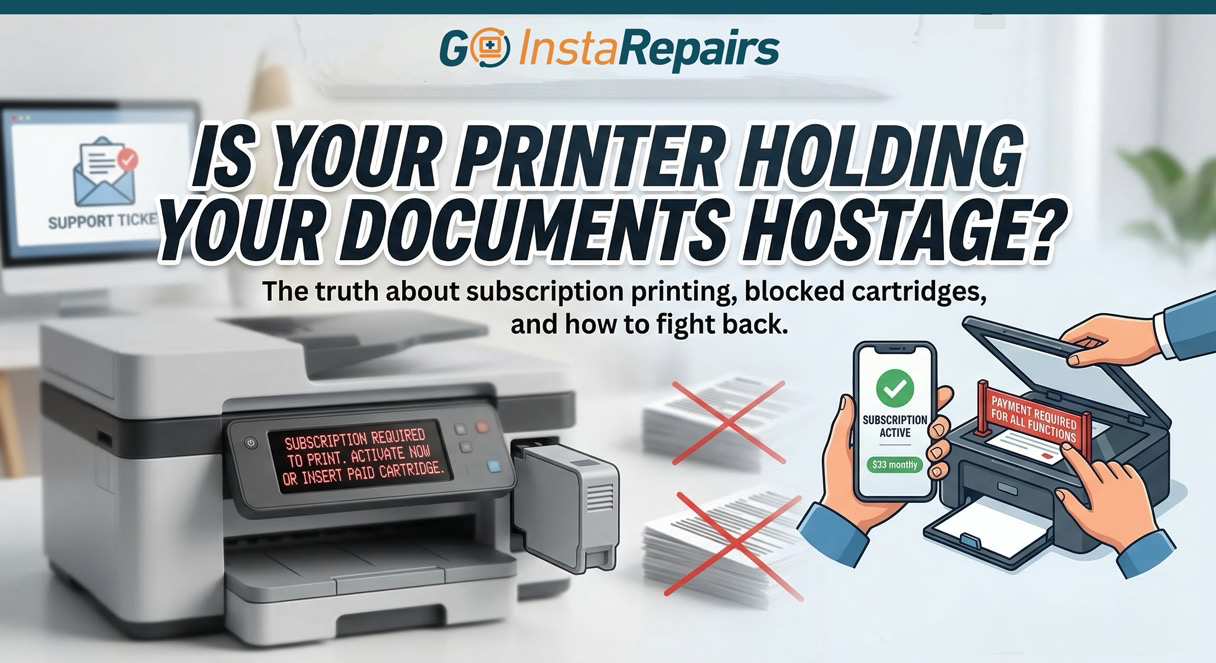
Is Your Printer Holding Your Documents Hostage? Why You’re Being Charged Monthly Fees to Print
Have you ever gone to print a single, important document—a shipping label, a flight ticket, or a school assignment—only to be told you can’t? And the reason isn’t that you’re out of ink. It’s that you cancelled a monthly payment?
It sounds like dynamic security on a movie villain’s vault, but it’s real, and it’s happening to millions of printer owners right now. At Goinsta Repairs, we don’t just fix broken laptop screens; we fight for your hardware freedom. If you need help bypassing a printer lock-in, call 720-604-0834.
Is it true that printer manufacturers are starting to charge subscription fees? Yes. Major tech outlets have highlighted how companies like HP are moving toward a “Printing as a Service” model. If you are buying a new printer in 2026, you need to understand how these traps work so you don’t end up “renting” the device you already paid for.
The Big 3: How the Subscriptions Work
- HP Instant Ink: If you cancel, your cartridges are remotely disabled—even if they’re full. This is part of HP’s “Dynamic Security” policy.
- Epson ReadyPrint: A 2-year commitment that treats your printer like a leased car.
- Canon PIXMA Plan: Requires constant Wi-Fi check-ins to “verify” you’ve paid your bill.
For more help choosing safe and modern office hardware, see Goinsta Repairs’ internal guide: Troubleshooting Tips & Resource Hub.
How to Escape the Trap
At Goinsta Repairs, we advise our clients to take control back. If your printer is acting up or blocking your third-party ink, check out our remote troubleshooting and support services or follow these steps:
- Say “No” During Setup: Decline any offer for “Free Ink” that requires a credit card.
- Disable Auto-Updates: This prevents updates from blocking cheaper, third-party ink.
- Switch to Laser: We often recommend Brother laser printers for clients who want reliability.
Recommended Anti-Subscription Solutions
If you are tired of monthly fees for your hardware and software, these items from the Goinsta Repairs Shop are designed for permanent ownership:
- Office Home & Business 2024 Life-Time – Buy it once, own it forever. No monthly Microsoft 365 bills.
- Malwarebytes Premium – Essential for protecting your network from malicious printer firmware “updates.”
- EaseUS Data Recovery – Helpful if a system crash or forced update causes file loss.
Need help bypassing a printer lock-in? Contact Goinsta Repairs today for a free consultation. We offer remote computer repair nationwide to get your home office back on track.
Have you ever gone to print a single, important document—a shipping label, a flight ticket, or a school assignment—only to be told you can’t? And the reason isn’t that you’re out of ink. It’s that you cancelled a monthly payment?
It sounds like dynamic security on a movie villain’s vault, but it’s real, and it’s happening to millions of printer owners right now. At Goinsta Repairs, we don’t just fix broken laptop screens; we fight for your hardware freedom. If you need help bypassing a printer lock-in, call 720-604-0834.
Is Your Printer Holding Your Documents Hostage? Why You’re Being Charged Monthly Fees to Print
Is it true that printer manufacturers are starting to charge subscription fees? Yes. Major tech outlets have highlighted how companies like HP are moving toward a “Printing as a Service” model. If you are buying a new printer in 2026, you need to understand how these traps work so you don’t end up “renting” the device you already paid for.
The Big 3: How the Subscriptions Work
- HP Instant Ink: If you cancel, your cartridges are remotely disabled—even if they’re full. This is part of HP’s “Dynamic Security” policy.
- Epson ReadyPrint: A 2-year commitment that treats your printer like a leased car.
- Canon PIXMA Plan: Requires constant Wi-Fi check-ins to “verify” you’ve paid your bill.
For more help choosing safe and modern office hardware, see Goinsta Repairs’ internal guide: Troubleshooting Tips & Resource Hub.
How to Escape the Trap
At Goinsta Repairs, we advise our clients to take control back. If your printer is acting up or blocking your third-party ink, check out our remote troubleshooting and support services or follow these steps:
- Say “No” During Setup: Decline any offer for “Free Ink” that requires a credit card.
- Disable Auto-Updates: This prevents updates from blocking cheaper, third-party ink.
- Switch to Laser: We often recommend Brother laser printers for clients who want reliability.
Recommended Anti-Subscription Solutions
If you are tired of monthly fees for your hardware and software, these items from the Goinsta Repairs Shop are designed for permanent ownership:
- Office Home & Business 2024 Life-Time – Buy it once, own it forever. No monthly Microsoft 365 bills.
- Malwarebytes Premium – Essential for protecting your network from malicious printer firmware “updates.”
- EaseUS Data Recovery – Helpful if a system crash or forced update causes file loss.
Need help bypassing a printer lock-in? Contact Goinsta Repairs today for a free consultation. We offer remote computer repair nationwide to get your home office back on track.