
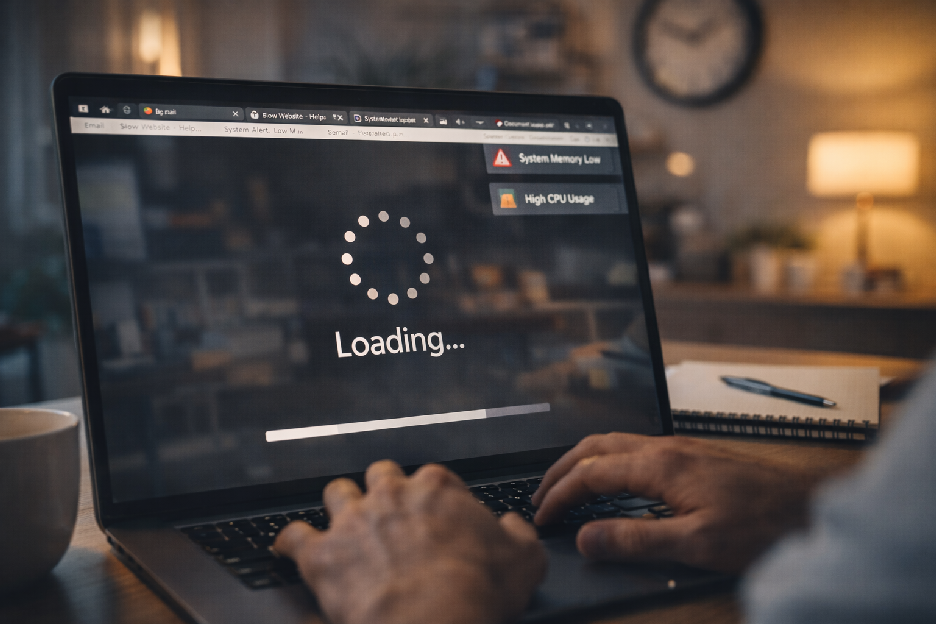
Is Your Computer Slow? Here’s What’s Really Going On (And How to Fix It)
Signs of Infection:
– Random pop-ups even when the browser is closed.
– Homepage or search engine changed without permission.
– Friends receiving spam emails from your account.
Why Choose Goinsta Repairs?
We serve major metros nationwide: Denver, Houston, NYC, Miami, Atlanta, and more.
Frequently Asked Questions
Q: Will I lose my files during an upgrade?
A: No. We professionally “clone” your data so your desktop, photos, and apps look exactly the same—just much faster.
Q: Is my computer too old to fix?
A: We follow the 50% Rule: If the repair costs more than half a new computer, we’ll honestly tell you to replace it. Our reputation is built on honesty.
Ready for a Faster Computer?
Call us at 1-720-604-0845 or mention this article for $10 off your first remote support session.

References: One Click Technologies (2026), Intel Market Research (2026), XDA Developers (2025).
You’re in the middle of an important video call when your screen freezes. Or maybe you clicked a simple document and you’re still waiting five minutes later for it to open. Sound familiar? You’re not alone. Slow computer performance is one of the most frustrating tech problems Americans face in 2026.
The good news? Most slow computers are fixable—and you usually don’t need an expensive new machine. This guide breaks down exactly what’s slowing you down and how Goinsta Repairs can restore your speed today.
Why Is My Computer Running So Slow? (The 2026 Checklist)
- Startup Bloat: Too many apps launching the moment you turn on your PC.
- Insufficient RAM: Not enough short-term memory for modern multitasking.
- Outdated HDD: Traditional hard drives are 20x slower than modern SSDs.
- Hidden Malware: Malicious software eating your resources in the background.
- Thermal Throttling: Dust and overheating forcing your processor to slow down.
Problem #1: Startup Programs Hogging Resources
Every time you install an app, it tries to “autostart.” These programs run in the background all day, stealing your CPU power. If your computer takes 3+ minutes to boot, this is your culprit.
Don’t want to mess with system settings?
Our $139 Insta Flat-Rate Remote Support includes a full startup optimization. We safely disable the “junk” while keeping your essential tools running. Start Your Remote Fix Now.
Problem #2: The 2026 RAM Reality Check
In 2026, RAM prices have spiked by 40% due to AI data center demand. This makes a professional assessment critical—you don’t want to buy expensive hardware you don’t need. Most modern users now require at least 16GB of RAM for smooth performance in Windows 11 or macOS.
| Usage Type | RAM Needed | 2026 Recommendation |
|---|---|---|
| Basic (Email/Web) | 8GB | Standard Minimum |
| Moderate (Work/Multitasking) | 16GB | Best Value Upgrade |
| Heavy (Video/Gaming) | 32GB+ | Evaluate PC Age First |
Problem #3: The Magic of SSD Upgrades
If your computer still has a traditional Hard Disk Drive (HDD), upgrading to an SSD is the single best investment you can make. It makes your computer feel brand new for a fraction of the cost of a replacement.
- Boot Time: Drops from 3 minutes to 15 seconds.
- App Launching: Microsoft Word opens in 2 seconds instead of 20.
- Reliability: No moving parts means your data is safer from physical drops.
Problem #4: Hidden Malware & Spyware
Malware in 2026 is stealthy. It might be using your computer to mine crypto or spy on your keystrokes. If your fan is always loud or your battery drains in an hour, you likely have an infection.
Signs of Infection:
– Random pop-ups even when the browser is closed.
– Homepage or search engine changed without permission.
– Friends receiving spam emails from your account.
Why Choose Goinsta Repairs?
We serve major metros nationwide: Denver, Houston, NYC, Miami, Atlanta, and more.
Frequently Asked Questions
Q: Will I lose my files during an upgrade?
A: No. We professionally “clone” your data so your desktop, photos, and apps look exactly the same—just much faster.
Q: Is my computer too old to fix?
A: We follow the 50% Rule: If the repair costs more than half a new computer, we’ll honestly tell you to replace it. Our reputation is built on honesty.
Ready for a Faster Computer?
Call us at 1-720-604-0845 or mention this article for $10 off your first remote support session.
References: One Click Technologies (2026), Intel Market Research (2026), XDA Developers (2025).
One Comment
Comments are closed.