
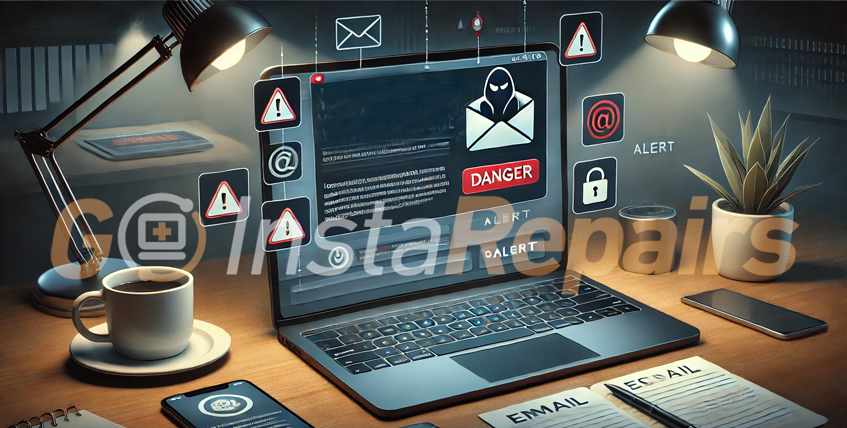
Beware of Extortion Scam Emails: What You Need to Know (and Why You Shouldn’t Panic)
Have you ever received an email claiming to know your passwords or threatening to expose your private information unless you pay up? If so, you’re not alone—and you’re likely the target of an extortion scam.
Let’s break it down in plain English so you know what’s real and what’s not.
🚨 What is an Extortion Scam Email?
Scammers send emails that try to scare you into sending them money—usually in the form of cryptocurrency like Bitcoin. They often claim they’ve hacked your computer, installed spyware, or recorded you through your webcam.
Sometimes, to make it more convincing, they might include an old password you used or make the email look like it came from your own account.
💡 Here’s the truth: Most of these emails are fake
The scary language is just a trick. The scammers did not hack your computer or access your camera. They’re relying on fear to pressure you into paying them.
🛑 What is Email Spoofing?
That’s when someone fakes the sender address to make it look like the email came from someone you know—or even from your own email. It’s like getting a letter in the mail with your own name on the envelope.
Important: Email spoofing doesn’t mean your account was hacked. It just means the scammer is pretending to be you.
Instagram Password Reset Email Alert: What You Need to Know in January 2026
Instagram users are flooded with fake password reset emails. Learn what this…
Top 3 Security Software Solutions for Mac and Windows Users in 2026
Protect your Mac or Windows computer in 2026 with the right security…
Broken Updates, Spyware, and Forced Upgrades: How Microsoft Failed Windows in 2025
Review Microsoft’s top 10 Windows failures of 2025….
✅ What Should You Do?
- Don’t reply. It only confirms to the scammer that your email is active.
- Don’t send money. These scams are empty threats.
- Change your passwords—especially if the email includes one you’ve used before.
- Turn on two-factor authentication (2FA) for extra account protection.
- Report the email to your email provider and to the FTC at reportfraud.ftc.gov.
💬 Final Word
Scam emails can be alarming, especially if you’re not a tech expert. But now that you know how they work, you’re in a much better position to recognize and ignore them.
If you’re ever unsure about an email, talk to someone you trust—or reach out to Goinsta Repairs. There’s no shame in asking questions when it comes to staying safe online!
Stay smart. Stay safe. And don’t let the scammers win. 💪