
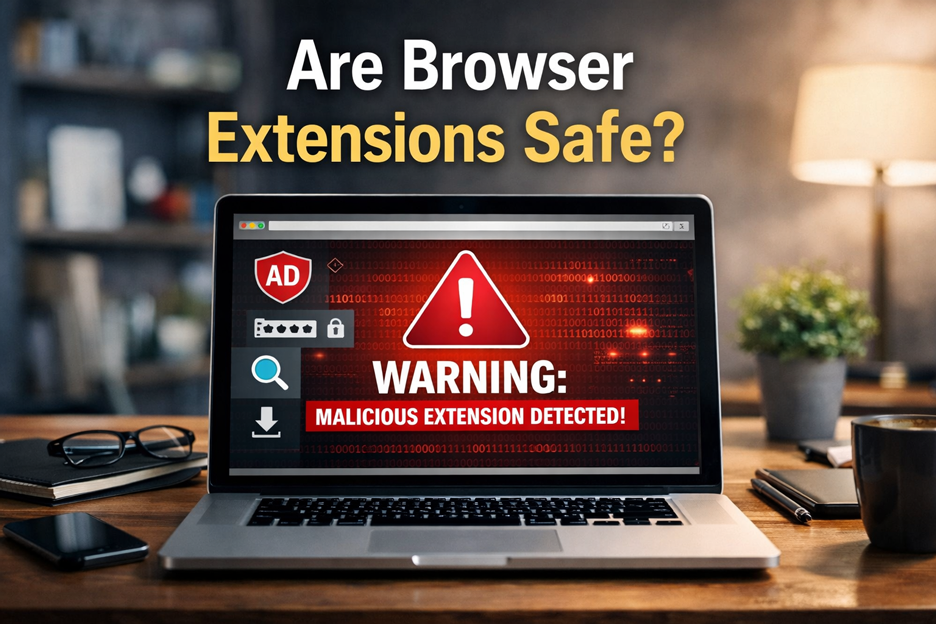
Are Browser Extensions Safe? What You Need to Know Before You Install One
Browser extensions can be extremely useful. They can block ads, save passwords, check grammar, organize tabs, and improve your browsing experience in seconds. But they can also create serious privacy and security risks if you install the wrong ones.
At GoInsta Repairs, we regularly help customers clean up browsers affected by suspicious add-ons, pop-ups, redirect issues, and slow performance caused by risky extensions. If your browser is acting strangely or you want a professional remote security check, our Insta Flat-Rate remote service can help you diagnose and fix the problem quickly.
So, are browser extensions safe?
Some are. Many are legitimate and low-risk. But browser extensions should never be treated like harmless little extras. Depending on the permissions they request, an extension may be able to read and change data on websites you visit, which can include sensitive browsing activity.
That is why the better question is not just “Are browser extensions safe?” but “Is this specific extension trustworthy, necessary, and asking for reasonable access?”
Why browser extensions can be dangerous
Browser extensions often require special permissions to work properly. In some cases, those permissions are justified. For example, a password manager or coupon tool may need access to page content to function. But other extensions ask for more access than they reasonably need.
If an extension is malicious, poorly maintained, sold to a different owner, or hijacked after installation, that access can become a serious problem. A bad extension may:
- Track your browsing activity
- Collect personal information
- Inject ads into websites
- Change your search results
- Redirect you to unwanted or unsafe pages
- Slow down your browser or system
Google explains that some extension permissions allow access to your data on the websites you visit, including the ability to read, request, or modify information on those pages. Mozilla also warns that some Firefox extensions can access the content of web pages and data entered into them. These are exactly the kinds of permissions users need to review carefully before installing anything.
The biggest browser extension risks
1. Malicious extensions
Some extensions are created specifically to spy on users, inject advertising, redirect web traffic, or collect sensitive data. Even if they look polished, have a decent name, or appear useful on the surface, they can still be risky.
2. Safe today, unsafe tomorrow
An extension may be harmless when you first install it and become a problem later. Extensions update automatically, which means ownership changes, compromised developer accounts, or suspicious updates can alter behavior without most users noticing immediately.
3. Overly broad permissions
If a simple tool asks to read and change data on all websites you visit, that should immediately raise questions. Some permissions are far more invasive than they appear to be at first glance.
4. Too many unused extensions
Many users install browser tools and forget about them. Old or abandoned extensions may still hold powerful permissions inside the browser long after you stop using them.
How to tell whether a browser extension is safe
Before installing any extension, start with the basics.
- Ask whether you really need it. If the extension solves a minor problem, it may not be worth the risk.
- Check the developer. Look for a legitimate company, a real website, and clear support information.
- Review the permissions. Make sure the access requested actually matches the tool’s purpose.
- Read recent reviews. Focus on the newest feedback, not just the average rating.
- Watch for warning signs. Pop-ups, redirects, unwanted ads, browser slowdowns, and homepage changes can all point to a bad extension.
If you are unsure whether a browser extension is safe, do not guess. It is better to pause and verify than to give a questionable add-on access to your browser.
Need help without bringing your computer anywhere? Our Insta Flat-Rate remote support service is designed for issues exactly like this, including suspicious browser behavior, extension removal, security checks, and cleanup.
Best practices for using browser extensions safely
If you want to reduce risk, follow these simple rules:
- Install only the extensions you truly need
- Remove extensions you no longer use
- Review permissions before installing anything
- Use official browser stores, but do not assume they are perfect
- Keep your browser updated
- Use reputable security software as an extra layer of protection
- Review your installed extensions regularly
Common signs a browser extension may be causing problems
You may be dealing with a risky extension if you notice any of the following:
- Your browser suddenly feels slower than usual
- You start seeing pop-ups on websites that normally do not show them
- Your homepage or search engine changes without your permission
- You are redirected to unexpected websites
- Web pages look different or behave strangely
- Your browser crashes more often after installing a new add-on
If any of that sounds familiar, it may be time for a browser cleanup and security check.
When to remove a browser extension immediately
You should uninstall or disable an extension right away if:
- You do not remember installing it
- It requests permissions that do not make sense
- It suddenly changes behavior after an update
- It floods your browser with ads or redirects
- You no longer use it
- You cannot verify who developed it
Final answer: are browser extensions safe?
Some are, but they should always be treated with caution. Browser extensions are software with access inside your browser, not just cosmetic add-ons. The safest approach is to install fewer extensions, choose them carefully, and review them regularly.
If your browser has been acting strangely, if you are seeing suspicious pop-ups, or if you simply want to make sure your extensions are not putting your privacy at risk, GoInsta Repairs can help.
Click here to request Insta Flat-Rate remote support and let us inspect your browser, remove suspicious extensions, and secure your system remotely.
Helpful external resources
For more information, you can also review the official browser guidance below:
- Google Chrome Web Store: Permissions requested by apps and extensions
- Google Chrome Web Store: Install and manage extensions
- Mozilla: Tips for assessing the safety of an extension
- Mozilla: Permission request messages for Firefox extensions
FAQ
Can browser extensions steal passwords?
Some extensions with broad permissions may be able to read data entered into web pages, depending on what access they have and how they are built. That is why permission review is so important.
Should I remove old browser extensions?
Yes. If you do not use an extension anymore, remove it. An unused extension can still retain access inside your browser.
Are extensions from official browser stores always safe?
No. Official stores reduce risk, but they do not eliminate it completely. You should still review the developer, permissions, and recent user feedback.
Can GoInsta Repairs remove malicious browser extensions remotely?
Yes. Through our Insta Flat-Rate remote service, we can inspect your browser, remove suspicious extensions, and help secure your system.